·4 min read
How to Make Your Smartphone Easier to Use Every Day
Simple settings and habits that can make your phone clearer, calmer, and more useful without feeling complicated.
Quick Answer
Simple settings and habits that can make your phone clearer, calmer, and more useful without feeling complicated. A smartphone can make everyday tasks easier. You can speak with family, see a map, read the news, pay a bill, or keep a shopping list in one small device. But phones can also feel busy. Tiny text, unexpected pop ups,.
Updated July 1, 2025 · 4 min read read
A smartphone can make everyday tasks easier. You can speak with family, see a map, read the news, pay a bill, or keep a shopping list in one small device.
But phones can also feel busy. Tiny text, unexpected pop ups, and too many apps can make a simple task feel harder than it should.
You do not need to learn everything on your phone. Start by making the parts you use most feel comfortable.
Make the Text Larger
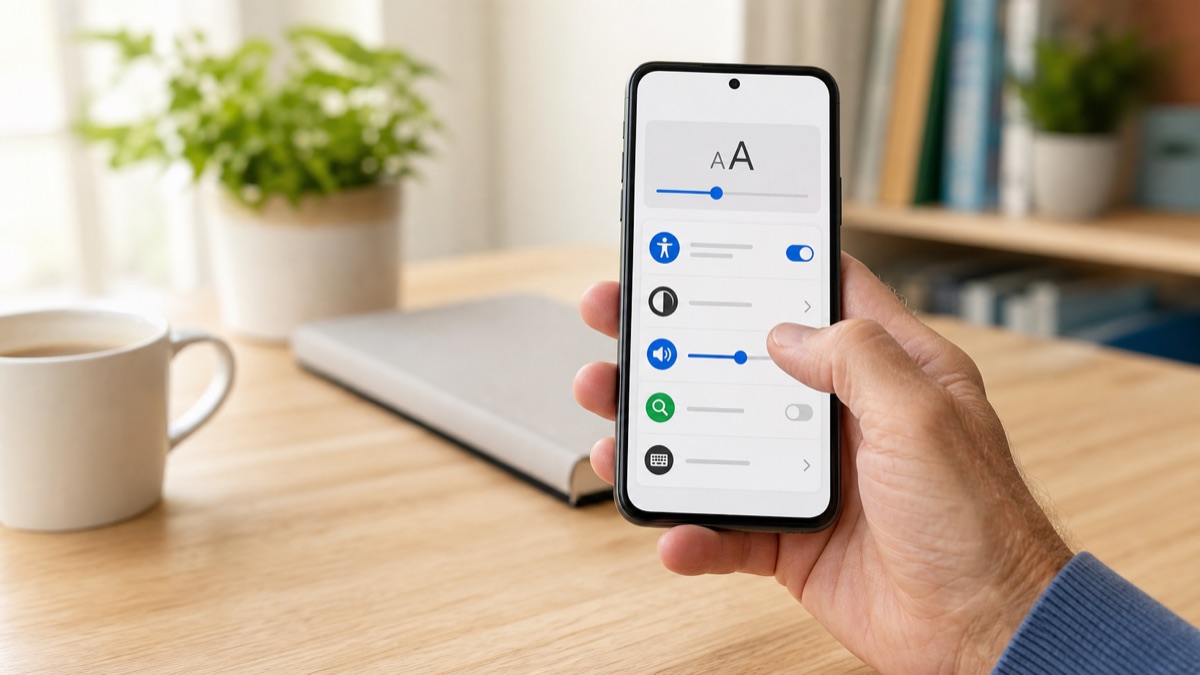
Larger text is one of the quickest improvements you can make. On most phones, open Settings and look for Display, Accessibility, or Text Size.
Move the text size slider a little at a time. Then open a message or news article and see how it feels. You may also find options for bold text or a larger display size.
The goal is not to make every word huge. It is to make reading feel easy and relaxed.
Put Your Most Used Apps on the First Screen
Think about the five or six things you use most. For many people, these are Phone, Messages, Camera, Maps, Photos, and a web browser.
Place those apps together on the first screen. Move less useful apps to another screen or into one folder called “Other”.
When the first screen is simple, it is easier to find what you need without searching through rows of icons.
Turn Off Unhelpful Notifications
Notifications are the small messages that appear on your screen. Some are useful, such as a reminder for an appointment. Others are simply trying to get your attention.
Open Settings and look for Notifications. You can turn off alerts from games, shops, or apps you do not need to hear from. Keep alerts for calls, messages, calendars, and anything important to you.
A quieter phone is often a more useful phone.
Use Voice Typing When Writing Feels Slow
Most phone keyboards have a small microphone symbol. Tap it, speak clearly, and your phone will turn your words into text.
Voice typing can be helpful for messages, shopping lists, and notes. Say “full stop” or “comma” if your phone supports spoken punctuation. Read the message before sending it, because phones can sometimes hear a word incorrectly.
Ask Your Phone to Help You Find Things
Many phones have a search bar on the home screen. Use it to find an app, contact, setting, or saved note.
Instead of looking through every screen, type the first few letters of what you need. This is often quicker and less frustrating.
Set Up Your Emergency Information
Most smartphones allow you to add emergency contacts and basic medical information that can be viewed from the lock screen. Look in Settings for Emergency, Safety, Medical ID, or Emergency contacts.
Only add information you are comfortable sharing. Let a trusted family member know that you have set it up.
Keep Your Phone Charged in One Safe Place
Choose one place at home for charging. A small table away from water and clutter is a good choice. Plug it in at the same time each evening so it is ready the next day.
Avoid placing the phone under a pillow or blanket while charging. Keep the charging cable where you can reach it without stretching or bending awkwardly.
Learn One New Thing at a Time
You do not need to master your phone in one afternoon. Choose one task, such as sending a photo, using a map, or making a video call. Practise it a few times, then stop.
Write down the steps in a notebook if that helps. Soon, the steps will feel familiar.
A Phone Should Work for You
Your phone is a tool, not a test. Make it larger, quieter, and simpler until it suits the way you live.
Choose one change from this article today. A bigger text size or a cleaner first screen can make a bigger difference than you might expect.